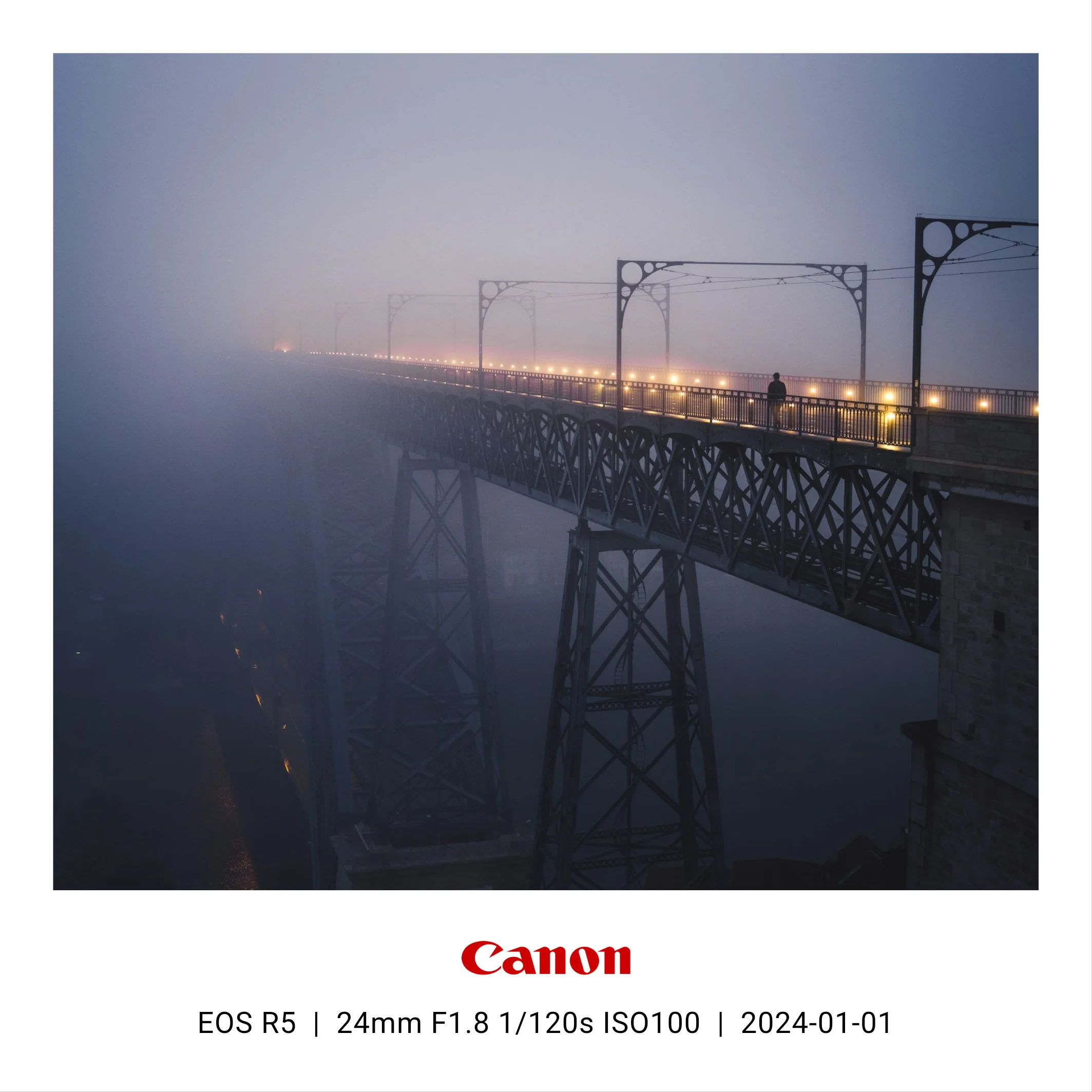
You have seen the look: a clean white border under a photo with the camera model on the left and 24mm f/1.8 1/120s ISO100 on the right. Xiaomi and vivo phones bake this in as a system feature, Leica sells cameras partly on it, and on Instagram it has quietly become the default way to say "I care about photography."
This guide covers how to get that frame on any photo — iPhone or Android — plus the one thing that trips most people up: photos that have lost their EXIF data.

First, check your photo still has EXIF data
The frame is only automatic if the photo still carries its metadata. Every camera and phone writes EXIF at capture time — model, lens, aperture, shutter speed, ISO, date. But a lot of everyday handling strips it:
- Screenshots — never have camera EXIF.
- Chat apps — WhatsApp, WeChat and Telegram (compressed sends) remove metadata.
- Social downloads — anything saved from Instagram, X or a web page is stripped.
- Some editors — certain export settings discard metadata by default.
Rule of thumb: frame the original from your camera roll, not a copy that has been through the internet. If the original is gone, skip to the missing EXIF section.
Method 1: on your phone, with an app
The fastest route, and the only one that works right after shooting. We build Framio (Android, iOS in preparation) for exactly this, so the steps below are Framio's, but the flow is similar in most frame apps:
- Pick a template — bottom info bar, full white border, or a signature-style layout.
- Choose a photo. The camera model, lens and exposure settings fill in from EXIF automatically.
- Tap any field to correct or hide it, pick an aspect ratio, and export.
Things worth checking in whatever app you choose: does it export at original resolution, does it process photos on-device or upload them to a server, and can it batch a whole shoot in one go. (Framio does all of this on-device — photos never leave your phone.)
Method 2: on your desktop
If you already live in Lightroom, the Print module with an Identity Plate gets you a border with text, though it takes real setup and the EXIF tokens are fiddly. Photoshop works too, entirely by hand. There are also open-source Python scripts on GitHub that batch-add EXIF banners — a good fit if your workflow ends at a folder of exported JPEGs and you are comfortable running scripts.
Desktop wins for RAW-first workflows and huge batches; the phone wins for speed and for posting the same hour you shot.
Method 3: your phone might already do it
Xiaomi, vivo, and some Honor and OPPO phones have a "photo frame" or "Leica watermark" toggle in the camera app. If you own one, use it — the catch is it only applies to photos taken with that phone's camera app, and usually only at capture time. It cannot frame yesterday's photos, camera imports, or anything you edited since.
Fixing photos with missing EXIF
Film scans, vintage lenses on adapters, stripped downloads — sooner or later you will want to frame a photo with no usable metadata. Two options:
- Type it in. Good apps let you edit every field on the frame directly. In Framio this is the Exif Data tab; missing fields fall back to sensible defaults instead of breaking the layout.
- Set a preset. If you always shoot the same film camera, save its body, lens and film stock once and apply it to every scan. This is faster than retyping and keeps a whole roll consistent.
FAQ
Does the frame reduce image quality?
The frame itself doesn't recompress your photo — what matters is the export setting.
Export at original resolution if you might print or crop later.
Will Instagram keep the frame?
Yes. The frame is baked into the pixels, so it survives every platform — that is the
point of doing it this way rather than relying on a platform feature.
Portrait or landscape — does the layout change?
Bottom info bars suit both. For landscape shots, side-panel layouts (info column on the
right) often look better than a bar; try both before exporting a whole set.
Want the one-tap version? Framio reads your photo's EXIF and renders the frame on your device — free to try, no account, no upload.